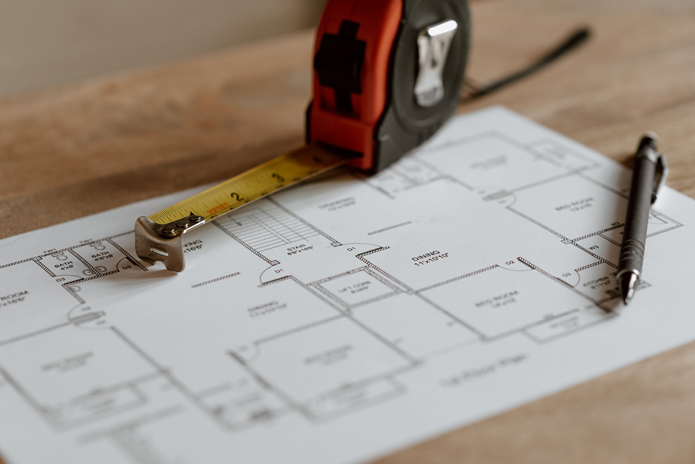
More and more municipal building departments are transitioning away from in-person plan submissions. Instead, most new building permit applications are now required to be submitted online through self-service electronic plan portals.
This shift is a significant change from what many homeowners and licensed contractors have long considered routine: making a simple trip to the local building department to submit permit applications for new construction projects or home repairs.
Proponents of the move to online submissions highlight benefits such as improved efficiency, reduced paper waste, and a more streamlined plan review process.
With electronic plan submissions, multiple reviewers can also evaluate the same set of plans simultaneously, which can significantly shorten the overall review time for a permit application.
However, for those who may not consider themselves technologically savvy, the learning curve associated with online submissions can create far more frustration than the traditional in-person process.
To help simplify the transition from in-person building permit submissions to online submissions, here are some essential system requirements to keep in mind.
Desktop/Laptop Computer
In a world where almost everything can be done on a mobile phone, some tasks still rely on the traditional workhorse, a desktop or laptop computer.
For online permit submissions, it is recommended that you use a desktop or laptop equipped with the latest Windows or Apple operating system. These systems tend to offer the greatest compatibility with the browser-based applications used by most municipal building departments to process electronic permit documents.
Most online permit portals also require the use of an up-to-date desktop browser, such as Chrome, Safari, Microsoft Edge, or Mozilla Firefox, to create your account and upload the necessary documents.
Office Printer/Scanner Combo
One of the essential tools you will need to prepare your permit documents for upload to the building department’s online permitting website is a home or office printer/scanner combo.
Having access to a reliable printer allows you to quickly and easily print the permit forms required for each construction project. Once the forms are completed, you can use the scanner’s built-in utility software to create digital versions of your permit documents and job plans.
After the documents are scanned and saved in the correct file format, they can then be uploaded directly from your computer to the building department’s online permitting website.
File Sizes
Most permit forms are printed on standard 8½” x 11” letter-sized paper. However, certain job plans, such as engineering drawings or property surveys, may be provided in larger formats, including 8½” x 14” (legal), 11” x 17”, or even larger sizes depending on the project.
While most standard office printers can easily scan 8½” x 11” documents, larger plans such as 8½” x 14” or 11” x 17” typically require scanning on a commercial-grade printer at a home and office retailer like Office Depot or Staples.
Once these documents are scanned in full, they can be digitized, scaled, and converted into PDF files that can be saved to your computer and uploaded to the appropriate online permit submission portal.
For certain types of plans, the building department may also require digitally certified signed and sealed documents.
Naming conventions
Each municipality has its own unique set of naming conventions for documents uploaded to its online submission portal.
For example, a building permit application may need to be saved as “bldg-app.pdf,” while a property survey might be labeled “surv.pdf.” These conventions allow building department personnel to quickly sort and identify different types of permit documents and job plans within their online permitting system.
Before uploading any files, be sure to review the submission guide for the specific building department you are working with to confirm the correct naming conventions for each required document.
If you need assistance with scanning and preparing your documents for upload to an online permit submission portal, please inquiry about our virtual assistance services.